
Wanna drive more traffic to your profile with an Instagram template?
Then make sure you start with
the right dimensions. For Instagram Stories, make sure to open a new file at 1080x1920 pixels. This will be the perfect size.

Now grab a background. I'll be going with an abstract take on an Alice in Wonderland color scheme by using this beautiful watercolor pattern from Envato Elements.
Copy and Paste the pattern, using the Move Tool (V) to adjust it in place. Now grab the Rectangle Tool (U) and create a white rectangle to create room for your GIF-styled quiz. Lower the Layer Opacityto 90% to help the background peek through.

Organize the quiz with simple headers and titles using different fonts.
Here I'll be using these Beasty and Summer handwritten fonts. Now create a simple tan
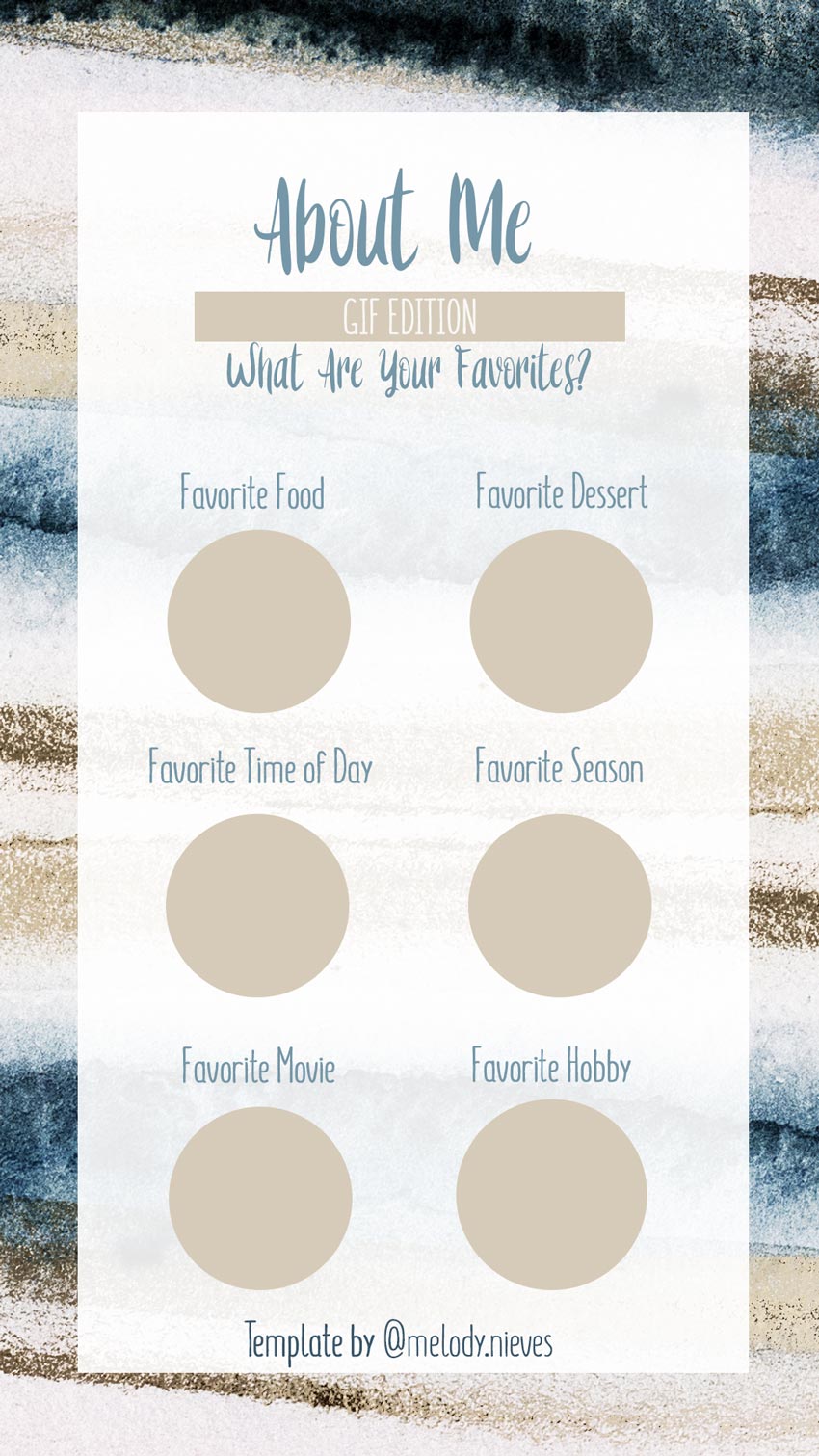
#d5cbb8 circle with the Ellipse Tool (U), and then duplicate (Control-J) the layer several times, adding a fun question or title above each circle.
Make sure to add your Instagram tag at the bottom before uploading it! Then enjoy the fun feedback with different animated GIFs.
Here is the final result.
Comments
Post a Comment